Register the printer
Create or sign in to your MyOKI account and add the eligible device within 60 days of purchase.
- Model and serial number
- Proof of purchase
- Contact details

Give an eligible new OKI printer longer-lasting protection. Register the device, use original OKI toner and renew your cover one year at a time.
For eligible new products registered from 1 September 2026. Terms and conditions apply.
OKI’s programme turns two straightforward actions into longer protection: register your new printer promptly, then show each year that it is running with original OKI toner. Once OKI verifies the annual requirement, the warranty can be extended for another 12 months.
The programme is managed through the MyOKI portal, where you can keep your device and warranty details together.
Create or sign in to your MyOKI account and add the eligible device within 60 days of purchase.
Add at least one qualifying original OKI toner cartridge every year, including the first year.
When the yearly requirement is verified, OKI can extend your warranty by another 12 months.
The warranty ends when either the time or page limit is reached—whichever comes first.
Selected models only. Pro1040, Pro1050, Pro9431, Pro9542, Plavi ES9542R and Pro8432WT are specifically excluded from this programme. Model availability and programme terms can change, so check OKI’s current terms before purchasing.
Read OKI’s full termsThink of the programme as a yearly maintenance habit for your warranty record. MyOKI keeps the details in one place and sends reminders to help you stay on track.
Go to MyOKIKeep the invoice and locate the printer serial number.
Add the eligible new printer to your MyOKI account.
Register at least one original OKI toner, starting in year one.
Continue annually until your model’s time or page limit is reached.
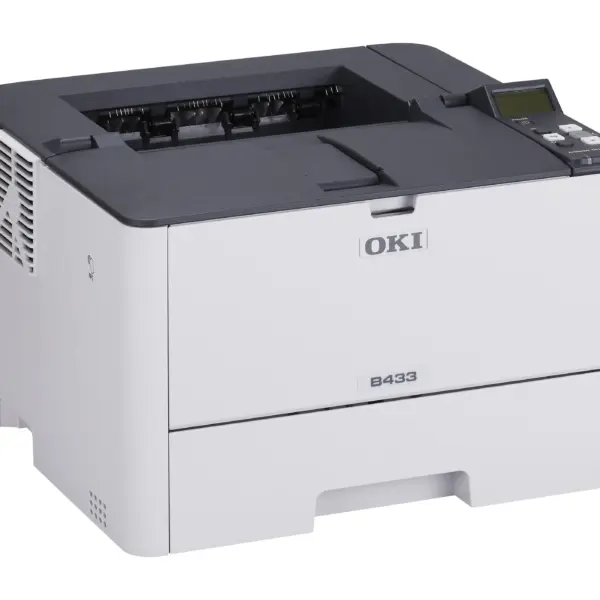
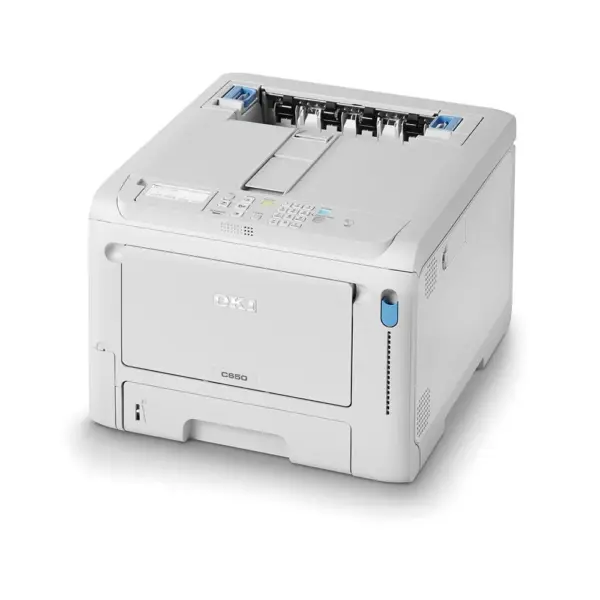
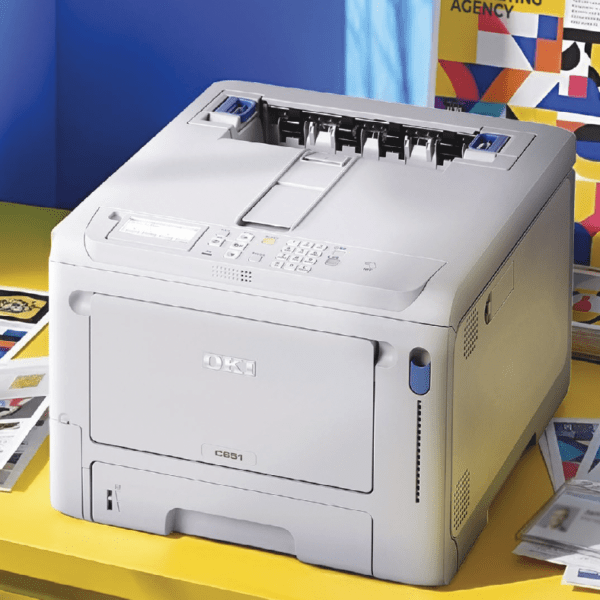
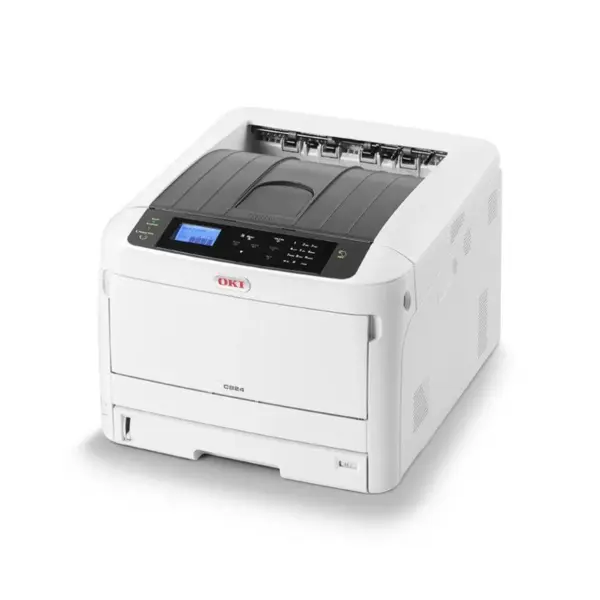
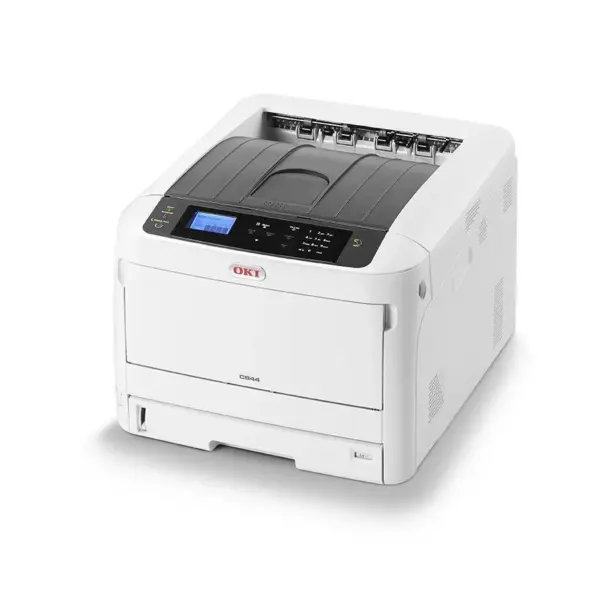
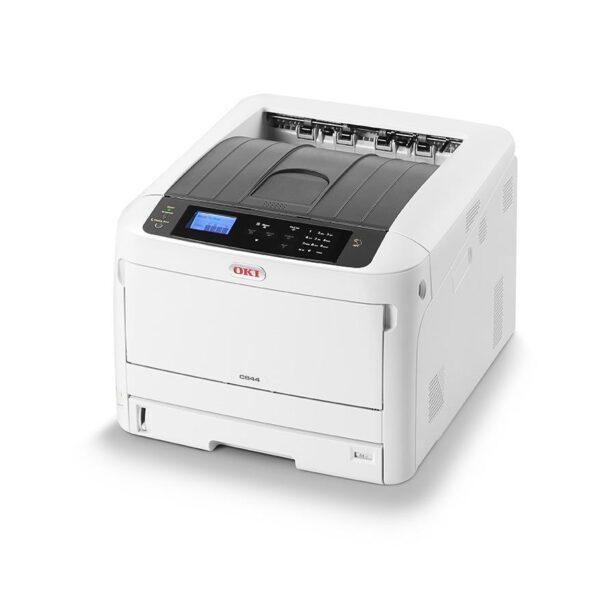
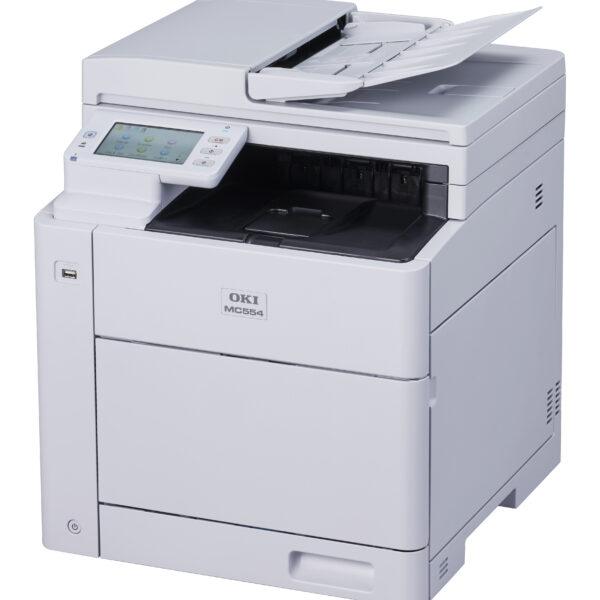
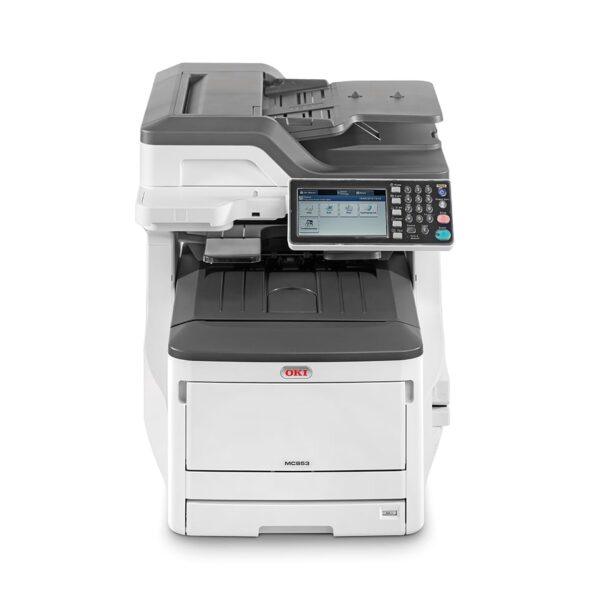
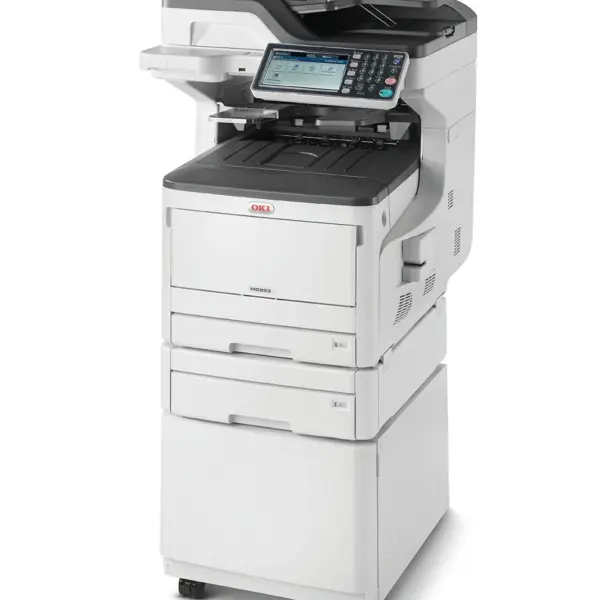
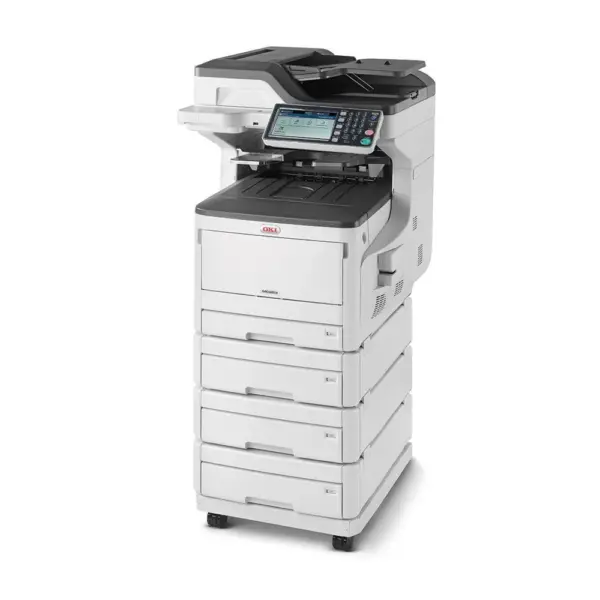
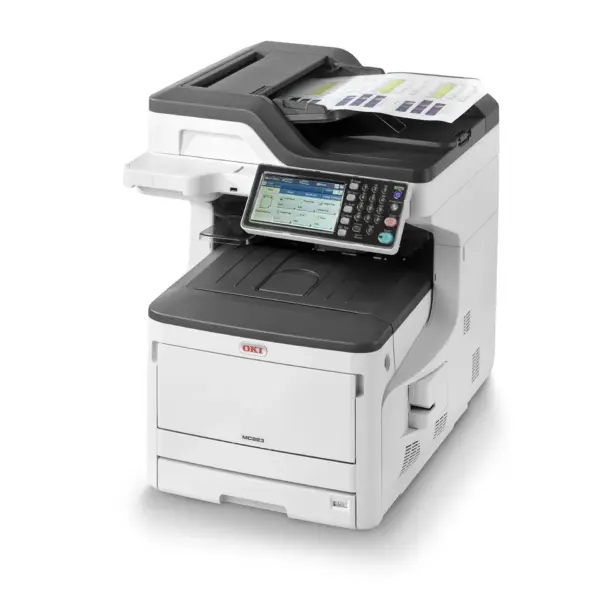
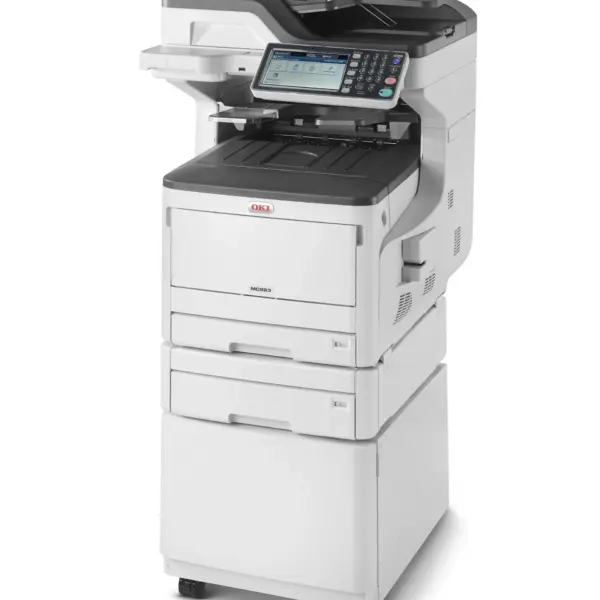
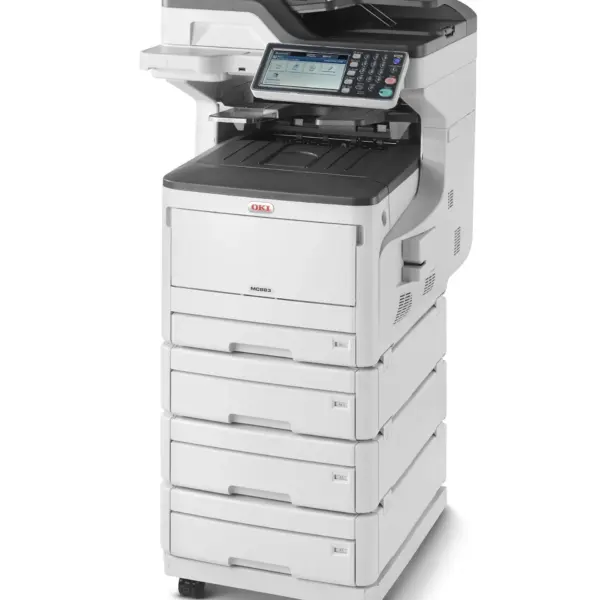
These currently available printers match the eligible model list. Open any product to compare specifications and pricing.
Our team can help you match an eligible printer to your workload and find the correct original OKI consumables for it.
These answers summarise the programme. OKI’s official terms take precedence.
No. The end user must register an eligible new printer through MyOKI within 60 days of purchase and complete the yearly original-toner requirement.
No. Compatible and third-party cartridges do not qualify. At least one original OKI toner cartridge must be registered each year, including the year the printer is first registered.
The programme requires a minimum of one original OKI toner each year. Its serial number is entered in MyOKI and verified for the registered printer.
The current terms apply only to eligible new products registered from 1 September 2026. Older purchases do not automatically qualify.
Cover is capped by both time and printed pages. It ends when the first applicable limit is reached, even if the other limit has not yet been reached.
MyOKI holds your registered device and consumable information. OKI also uses the portal and email to confirm registration and send reminders.
Important: The OKI Product Lifetime Warranty Programme is operated by OKI Europe. Registration, verification, coverage and eligibility are subject to OKI’s current terms and conditions. Printer registration must be completed within 60 days of purchase. A minimum of one original OKI toner cartridge must be registered each year, beginning in the year of device registration. Maximum cover varies by model and page count.
Uses the product price on this page when available. Otherwise, enter a price below.
~ £0.00 per week
If you’re happy then please contact us to apply for a finance package
All figures are representative only and subject to status; final terms may vary after underwriting.
Selected new OKI printers can qualify for up to five or seven years of cover. Register the printer within 60 days, then register at least one original OKI toner every year. Model page limits and OKI programme terms apply.
 Take control of small-format packaging such as seed packets, paper bags and compact boxes. Digital LED technology
delivers vibrant colour, fine detail and excellent solids on eco-friendly papers and coated stocks.
With zero plate costs and low setup overheads, you can print as few as one packet, test new SKUs quickly and reduce waste — all
while maintaining tight branding and clear regulatory text.
 Produce premium greeting cards, invitations and stationery on textured, smooth, matt or gloss boards. Achieve
crisp typography, dense solids and beautiful photographic detail — ideal for weddings, corporate events and boutique retail.
Five-colour models add creative finishing with white or clear effects (model dependent), while robust media handling supports
heavy stock and custom sizes.
 Enter the short-run flexible packaging space by printing directly onto pre-made, toner-receptive barrier pouches.
Produce premium graphics for coffee, snacks, cosmetics, nutrition and pet treats with fast artwork swaps and no MOQs.
Purpose-engineered pouch films support high-quality colour and legibility for ingredients and regulatory text. Optional zippers
and stand-up bases help products present beautifully at retail.
 Support automotive workflows with road-legal number plates on approved reflective media (follow current DVLA/BSAU
specifications) plus showroom POS, service signage and documentation — all from one print platform.
Selected five-colour devices simplify composite black, flags and regional identifiers, while maintaining crisp registration and
high contrast for readability.
Media setup note: An extra charge may be applicable depending on what number plate media you are using as we would need to install a custom media file before sending you the printer.

Impress customers with short-run, full-colour labels on matt, gloss, metallic and synthetic stocks — ideal for
pilots, limited editions and variable data requirements. Produce from one label to thousands without plate costs.
Advanced media handling and high-density toner deliver crisp barcodes, fine text and brand-accurate colours. Optional white
under-printing on suitable models enables vibrant graphics on coloured or transparent media.
 Launch on-demand, short-run sleeves, belly bands and mini-cartons with rich colour and sharp micro-type for
ingredients and allergen statements. Perfect for artisan brands and seasonal promotions.
Swap artwork in minutes and print exactly what you need — reducing waste and improving speed-to-shelf. Heavyweight board
handling keeps creases clean and folds accurate.
Create vibrant, weather-resilient plant labels and garden centre tags on demand. Print loop-lock ties, pot
pointers, swing tags, bed cards and shelf talkers with no plates, minimums or long lead times.
Quickly refresh designs for seasonal lines and promotions while keeping branding consistent across labels, signage and POS.
Suitable synthetic stocks help resist UV, moisture and handling.
For label media guidance, speak to your preferred horticultural substrate supplier.

Produce clear, durable GHS/CLP chemical hazard labels and safety data sheets in-house. With the right
toner-receptive synthetic media and adhesives, output can be prepared to meet demanding
IMDG/BS 5609 conditions (always validate with your media supplier and perform real-world tests).
Labels for drums, canisters and bottles must communicate risks to people and the environment, explain handling and storage,
and use universally recognised pictograms for hazards such as explosive, oxidising, flammable, toxic, corrosive and
environmentally dangerous substances.
Many models have been independently assessed to BS 5609 Part 3 when used with approved materials.