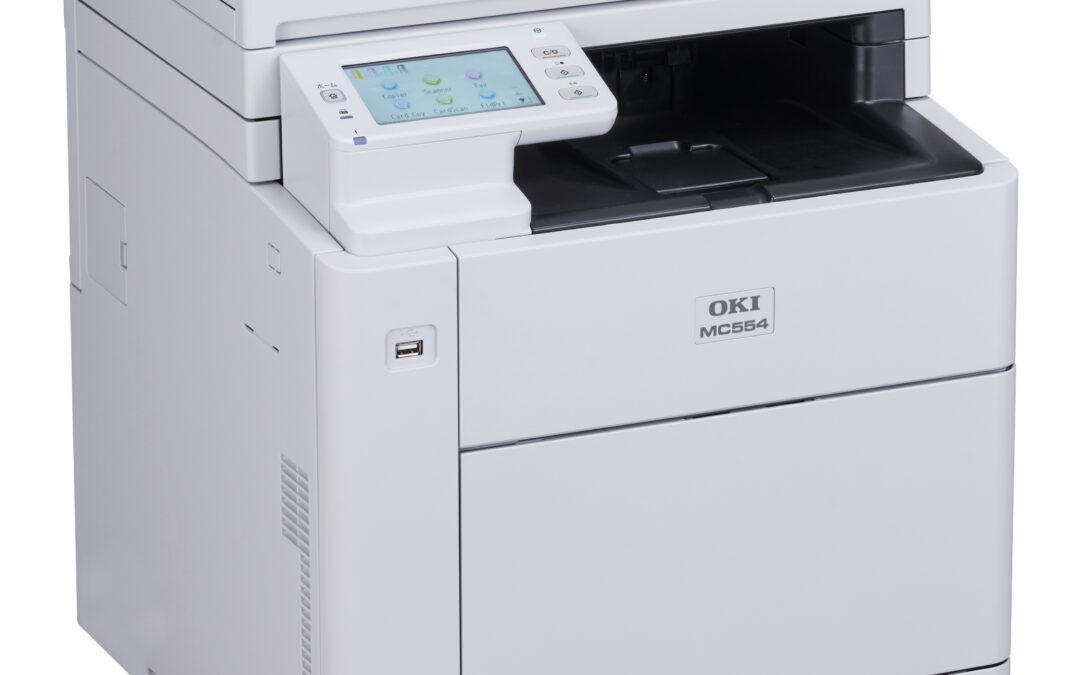
OKI B412 toner at a glance
If you need reliable mono output for the B412dn, the OKI B412 toner range delivers crisp text, steady yields and low running costs. Genuine cartridges give you the cleanest blacks and the least chance of toner scatter inside the printer.
Yields and part numbers
- Standard capacity: ideal for lower-volume desks and occasional jobs.
- High capacity: best value for offices that print every day and want fewer swaps.
- Always check the box label for the exact OKI part code to match your B412dn.
Why pick genuine
- Consistent density on fine text and barcodes, so shipping labels stay scannable.
- Less risk of toner dust buildup, reducing the need for internal cleaning.
- Supports the fuser and drum life the printer was designed for.
Installation tips
- Power off, let the fuser cool for a minute, then open the top cover.
- Lift out the old cartridge straight up; avoid tilting to keep toner spill-free.
- Gently rock the new cartridge side to side, then seat it firmly until it clicks.
- Close the cover and print a test page to confirm density and alignment.
Keep costs predictable
Track toner changes and page counts in a simple log, and keep one spare on the shelf. When you are ready to restock, head to our OKI B412 toner category for the current prices and availability.

 Take control of small-format packaging such as seed packets, paper bags and compact boxes. Digital LED technology
 Produce premium greeting cards, invitations and stationery on textured, smooth, matt or gloss boards. Achieve
 Enter the short-run flexible packaging space by printing directly onto pre-made, toner-receptive barrier pouches.
 Support automotive workflows with road-legal number plates on approved reflective media (follow current DVLA/BSAU
 Launch on-demand, short-run sleeves, belly bands and mini-cartons with rich colour and sharp micro-type for