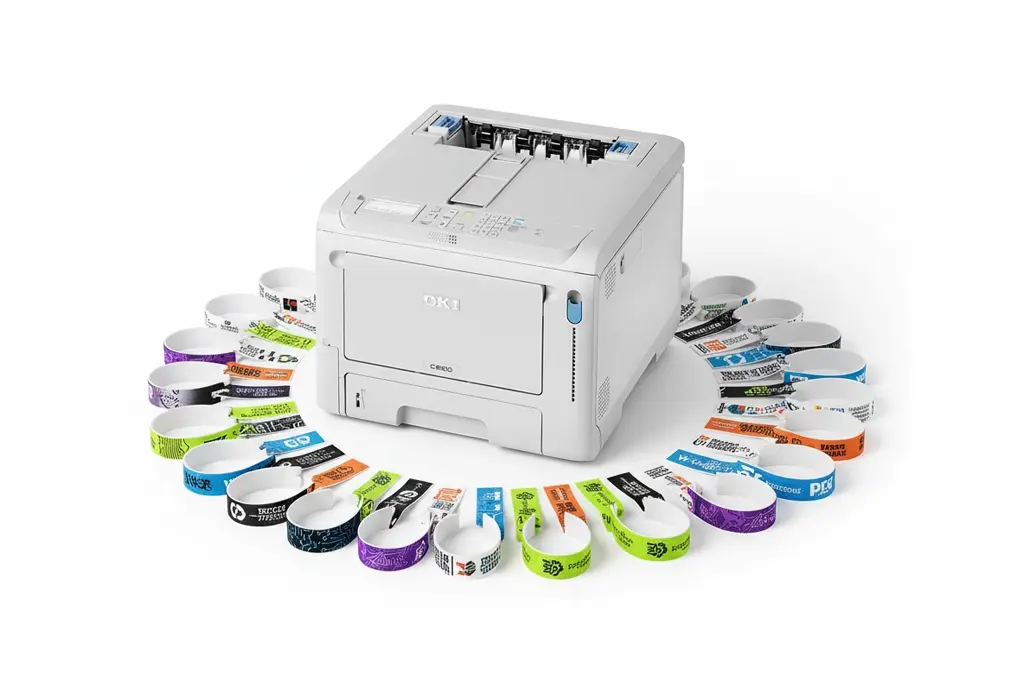
Wristband Printing with OKI Printers for Events Healthcare and Visitor Management
Wristbands are one of those small details that make a big difference. They help teams manage entry, improve safety, speed up check in and reduce mistakes. They also help guests feel looked after, because everything runs smoothly and staff can identify the right access level at a glance.
This guide covers practical wristband printing using OKI manufactured printers, with real world tips on choosing the right media, producing clean scans, and keeping print quality consistent when you are under pressure.
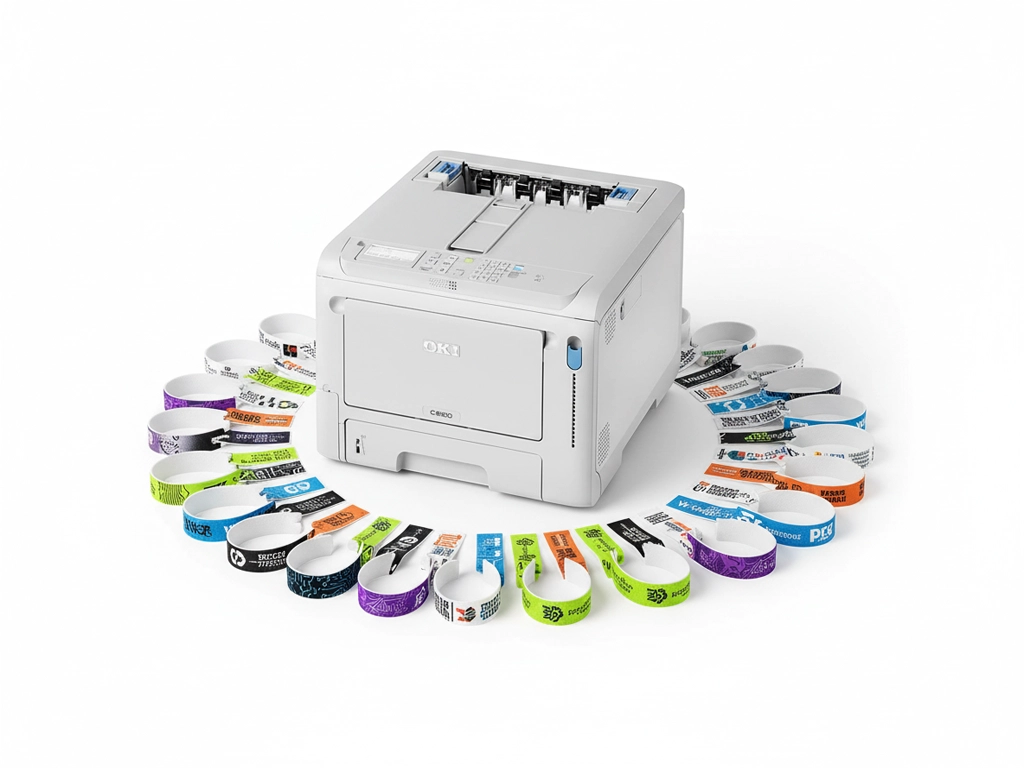
A practical in house setup makes wristband printing quick and reliable.
If you are exploring options for a dedicated wristband printing machine, it helps to start with what you are actually trying to achieve. Are you managing a one day event with colour coded entry, or a longer running operation where you need dependable black and white printing for staff and visitors every single day.
Choosing the right wristband type
Wristband media matters as much as the printer. The right combination reduces jams, avoids smudging and keeps text sharp. Most organisations choose one of two routes, inkjet wristbands for certain workflows, or laser wristbands for speed and durability.
Inkjet wristbands
If your process leans on inkjet media, you can use inkjet printable wristbands for general use, or inkjet printable Tyvek wristbands when you want that familiar Tyvek feel with good strength and comfort.
- Good for simple onsite printing setups
- Great for short runs and varied designs
- Comfortable options available for guests
Laser wristbands
Laser printing is often chosen for speed, crisp text and excellent scannability. If you are printing on sheets, laser printable wristband sheets are a strong option. For individual bands, explore laser wristbands and laser printer wristbands.
- Fast printing for busy periods
- Very sharp text and codes
- Strong performance for daily operational use
Printer choice matters more than people think
You do not need a complicated setup to get professional results. What you do need is a reliable printer and media that is designed to run through that printer cleanly. If you are looking for a dedicated color wristband printer, choose one that can hold detail in small elements such as QR modules, fine text, and small logos.
If the job is access control, modern visitor management or ticket validation, a QR code wristband printer is a natural fit, because you can issue secure wristbands that scan quickly and reduce mistakes at entry points.
The video above shows a practical wristband workflow and is a good reference if you are building a simple repeatable process for staff. Consistent results come from a repeatable setup, not from fiddling with print settings every time the job changes.
Product highlights using OKI printers

Colour printing is ideal for entry tiers, branding, and quick visual checks.
Colour wristbands and clear scanning
Colour wristbands are brilliant for busy venues where staff need to identify access levels instantly. A dependable color wristband printer also helps when you want the wristband to carry branding, sponsor marks, or other design elements that elevate the guest experience.
If you are issuing digital tickets or linking to visitor records, a QR code wristband printer makes it simple to print codes that scan quickly even in low light or fast moving entry lanes.
View OKI PRO9542dn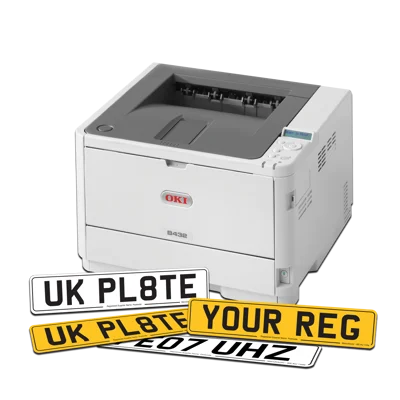
Fast mono printing can be perfect for day to day identification.
Fast mono wristband printing for daily operations
Not every wristband needs colour. In many real world setups, especially healthcare, schools, leisure centres and visitor management, clean mono wristbands are exactly what you want. They print quickly, they stay readable, and they keep your process simple.
Mono setups are also ideal if you are issuing wristbands at multiple points, because templates stay consistent and staff training is minimal. Pair this approach with laser printer wristbands and you have a reliable daily workflow.
View OKI B433Three year warranty reassurance
If you are building an in house wristband printing station, uptime matters. A strong warranty helps keep your setup dependable and reduces risk when demand spikes.

How to print wristbands on a laser printer without fuss
Many teams assume wristband printing is complicated. It is not, provided you follow a few basics. If you want a step by step approach, this page on how to print wristbands on a laser printer is a helpful reference.
- Use wristband media designed for laser printing such as laser printable wristband sheets
- Keep the design simple and ensure QR codes are large enough to scan quickly
- Print a short test batch, then lock your template and keep it consistent
- Store wristbands flat and dry so they feed cleanly and stay crisp
If you are issuing bands at scale, consider keeping two templates, one for general admission and one for staff or special access. That way changes are controlled and your process stays calm even at peak times.
Tyvek wristbands and comfort first setups
Tyvek is a brilliant option when comfort and wearability matter. It is light, it sits nicely on the wrist, and it is tough enough to handle busy days. If you need a dedicated option, a Tyvek wristband printer is a strong starting point, especially for events that run all day or where guests are wearing wristbands for extended periods.

 Take control of small-format packaging such as seed packets, paper bags and compact boxes. Digital LED technology
 Produce premium greeting cards, invitations and stationery on textured, smooth, matt or gloss boards. Achieve
 Enter the short-run flexible packaging space by printing directly onto pre-made, toner-receptive barrier pouches.
 Support automotive workflows with road-legal number plates on approved reflective media (follow current DVLA/BSAU
 Launch on-demand, short-run sleeves, belly bands and mini-cartons with rich colour and sharp micro-type for