Wristband printers for people who are tired of waiting on suppliers
If you’re constantly ordering bands for gigs, venues or clinics, it’s usually cheaper and a lot less stressful to bring the printing in-house. A dedicated wristband printer lets you run Tyvek®, vinyl and other wristband stocks on demand, with your own branding, barcodes and QR codes.
- Options for full-colour branding as well as simple mono ID bands.
- Tested setups for Tyvek® wristband printing and compatible media.
- Supplied, supported and held in stock here in the UK by the OKI Supplies team.

Why bother owning a wristband printer?
Most people start looking at wristband printers after one too many “we’ve run out” moments. Once you’ve got a reliable device on site, it’s hard to go back to long lead times and fixed designs.
- Change designs quickly: last-minute sponsor, date or colour tweaks are no drama.
- Control the look: match your brand colours, add gradients, logos and patterns.
- Reduce waste: only print the bands you actually need for a given night or run.
- Personalisation: add names, zones, codes and anything else in your data.
- Lower total cost: regular organisers usually see the printer pay for itself.
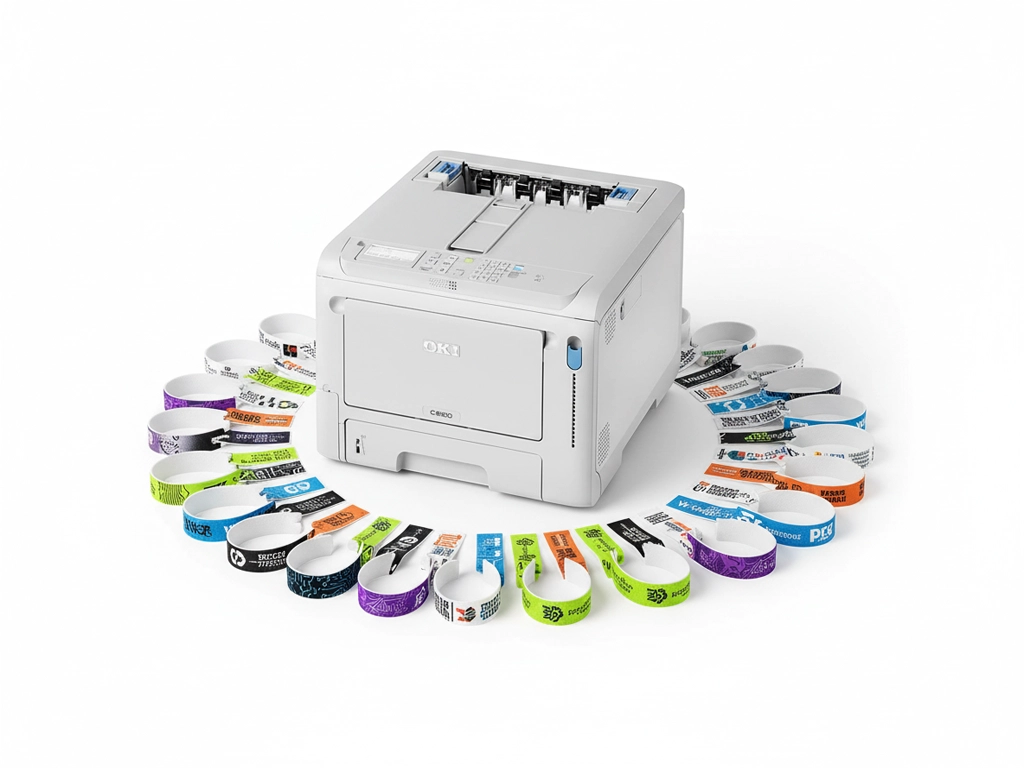
Different types of wristband printers – and where each one fits
“Wristband printer” covers a few very different bits of kit. The right one for you depends on whether you’re running a hospital ward, a festival site, a leisure centre – or a mix of all sorts.
| Printer type | Where it shines | Why people pick it | Trade-offs |
|---|---|---|---|
| Thermal wristband printer | Hospitals, clinics, laboratories, basic ID |
• Very fast and simple to use • Clear black text and barcodes • Cartridge / cassette-based media for ID bands |
• Usually mono only • Not designed for rich branding • Media can be vendor-locked |
| Tyvek® wristband printer | Events, attractions, nightclubs, theme parks |
• Tough, tear-resistant Tyvek® material • Great for single-use entry and crowd control • Easy to colour-code days, zones or age checks |
• Needs the right profile and temperature • Cheap printers can scorch or wrinkle bands |
| LED / laser colour printer | Premium events, brand activations, venues with sponsors |
• Full-colour artwork, logos and photos • Razor-sharp codes and small text • Can double up for tickets, posters and signage |
• Must be paired with suitable media • Ideal if you also need day-to-day office print |
If you already know you need Tyvek®, have a look at our Tyvek wristband printer guide and inkjet printable Tyvek wristbands.
Two OKI printers we see used for wristbands again and again
We’re often asked, “what would you actually use?” For colour wristbands on the sort of specialist stocks we talk about here, the devices below are the usual starting point – then we match the media to what you’re doing.
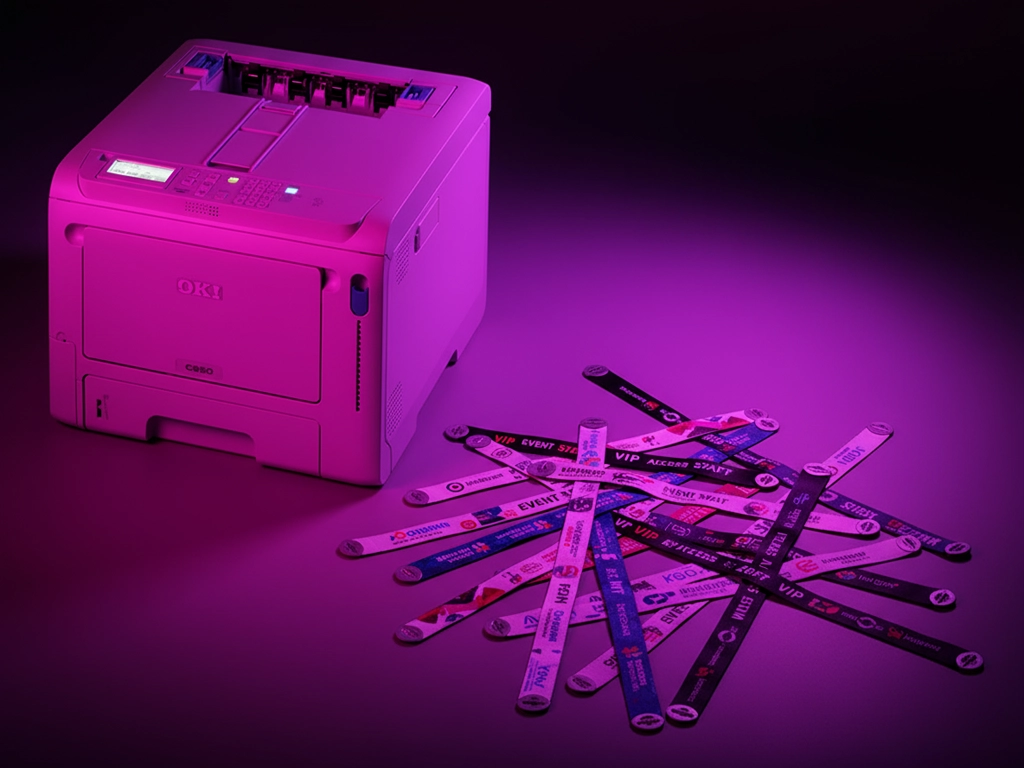
Colour wristband printing using OKI LED technology
When you want wristbands to carry your brand properly – not just a black code – an OKI colour LED printer paired with the right band stock works well. You can run sheets or suitable pre-cut formats with full-colour designs, gradients and sponsor logos.
- Ideal for event bands, VIP access and branded passes.
- Print wristbands, flyers and on-site signage from the same device.
- Flexible enough to live in the office when you’re not in event mode.
OKI C650dn – small footprint, big output
The C650dn is a tough little A4 colour printer that doesn’t need much space but comfortably handles heavy use. Paired with tested wristband media, it’s a solid choice for venues, campuses and production offices that want reliable wristband printing alongside everyday jobs.
OKI Pro 9431 – more room for layouts
The Pro 9431 steps things up to A3 and beyond, which is handy if you’re mixing wristbands with posters, banners, menus or larger ticket layouts. It’s aimed at sites that treat print as part of the experience rather than just paperwork.
Talk it through with us first
If you’re looking at all of this thinking “I just want bands that work”, that’s fine. Give us an idea of your typical crowds, artwork style and how often you print, and we’ll sketch out a printer and media combination that actually makes sense for you.
What sort of things can you put on a wristband?
Once you can print your own bands, you tend to get more creative. Most customers start with basic branding and access levels, then gradually add more detail as they see what works.
- Event names, dates and session times.
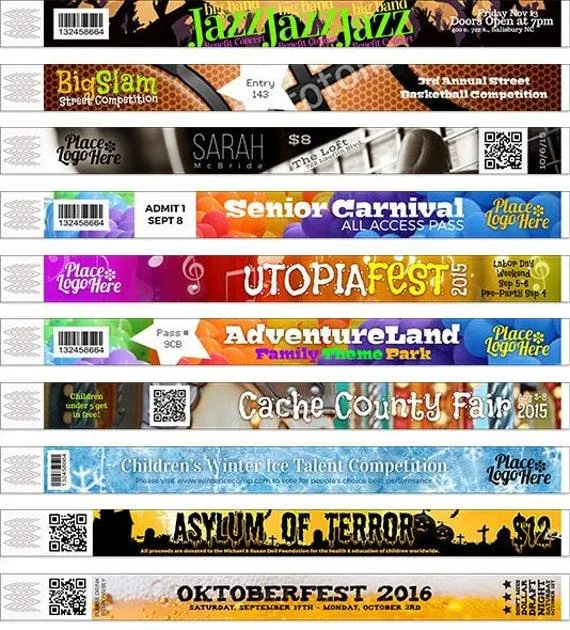
- Logos, gradients, sponsor artwork and campaign graphics.
- QR codes for drinks, merch or check-ins.
- Colour-coding for days, age-groups or zones.
- IDs and barcodes for healthcare or controlled areas.
If you’re specifically looking at Tyvek® stocks, have a look at our inkjet printable Tyvek wristbands page for more background on materials.
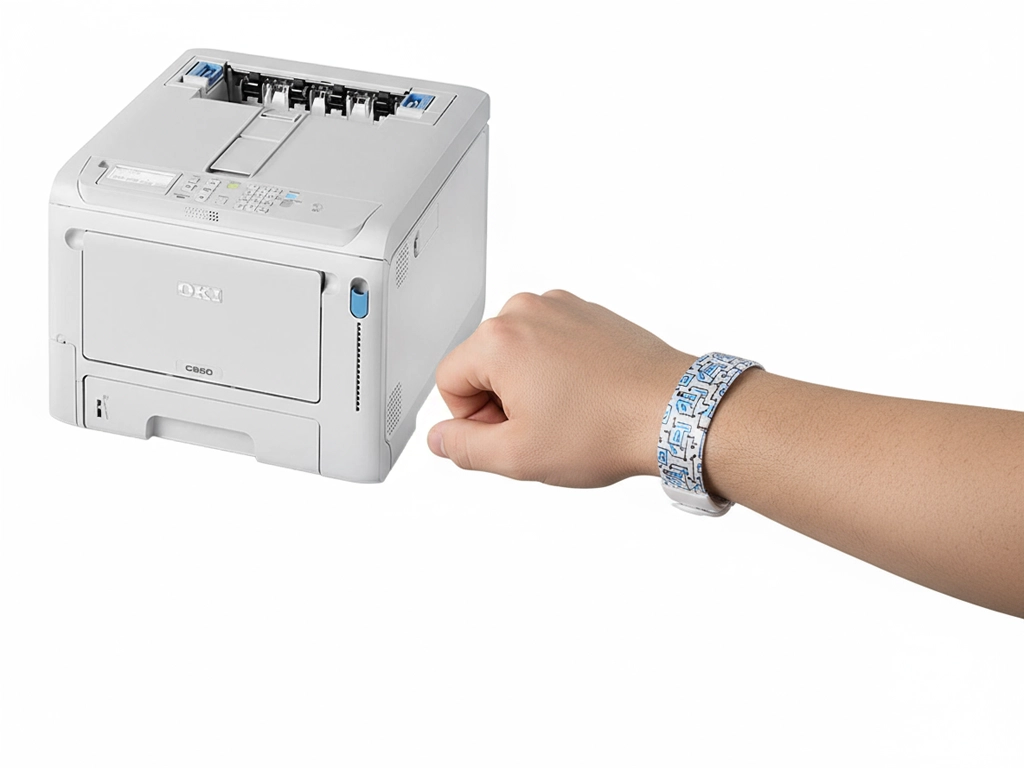
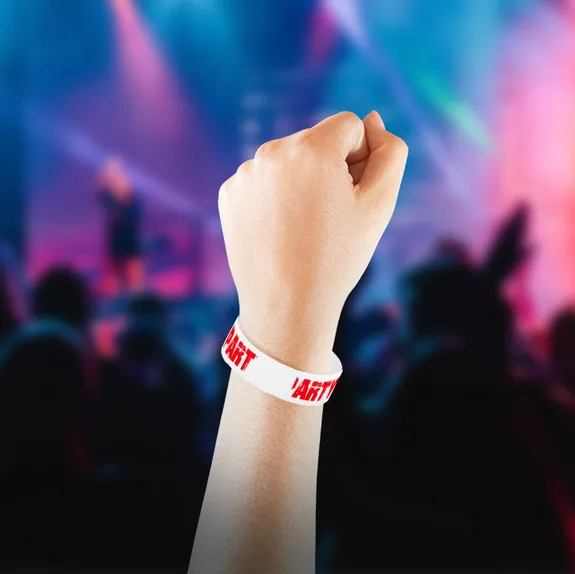
See an OKI printer running wristband media
It’s often easier to watch it than to read about it. This short video shows an OKI device printing onto reflective and wristband-style material, so you can get a feel for speed and finish.
- Shows how the stock feeds and exits the printer.
- Gives a realistic idea of colour coverage and sharpness.
- Useful to share with colleagues before you commit to a setup.
Does a wristband printer actually save money?
It depends what you’re doing now. If you only run a handful of small events a year, maybe not. But if you’re constantly ordering bands, top-ups and last-minute runs, the numbers can look very different once you own the device.
- Cut the premium on rush orders and tiny reprints.
- Keep a small stock of media instead of stacks of printed bands.
- Reuse layouts and templates instead of starting from scratch each time.
If you send us a rough idea of your volumes and current supplier costs, we can sketch out a simple cost-per-band comparison.
Where this sort of setup tends to work well
- Festivals, live music venues and club nights.
- Attractions, theme parks and visitor centres.
- Gyms, hotels, spas and leisure clubs.
- Schools, universities and student unions.
- Hospitals, clinics and healthcare providers.
Wristband printer FAQs
A few of the questions we’re asked most often. If your situation is a bit different, just drop us a line and we’ll talk it through properly.
Can I run Tyvek® bands through a normal office printer?
Some office printers will physically feed Tyvek®-style bands, but that doesn’t mean they’re happy doing it. The wrong fusing temperature or paper path can mark the bands or cause jams. It’s safer to use a printer and media combination that has actually been tested for wristbands.
What’s the “go-to” printer for event wristbands?
For very simple black ID bands, a thermal unit can be fine. If you want your branding and sponsors to stand out, we generally look at colour LED printers such as the OKI C650dn or OKI Pro 9431, then pick media that suits the event.
Is it easy to add QR codes and barcodes?
Yes – as long as the original artwork and sizing are sensible. Most of the time we either build a simple template or work with your ticketing system so that codes drop into the right place on each band. If you already use QR codes elsewhere, the same logic usually applies.
Will the print survive sweat, rain and a three-day festival?
With the right stock, it can. We’ll normally suggest different materials for a one-night indoor club versus a three-day outdoor festival. Tell us what your crowd and weather are like and we’ll point you at media that is built for that kind of abuse.
Do you sell the wristbands as well, or just the printers?
We can supply the printer, the wristband media and the consumables such as toner and drums. That way you’re not trying to make three different suppliers work together if something needs changing.
What software do people usually design bands in?
It ranges from Illustrator and InDesign right through to Word and PowerPoint. The important bit is getting the page size and layout right. Once that’s sorted, you can reuse the same template for different events very quickly.
Do I need a special template for each type of band?
You don’t always need a different template for every design, but you should have one per band format. That means one layout for a particular sheet or strip, then you drop different artwork into it for each show, day or sponsor.
What media sizes do these printers actually take?
A lot of wristband stocks are supplied as strips on A4 or A3 sheets, which work well with the OKI devices we’ve mentioned. Thermal units tend to use rolls or cartridges. Once we know the printer and the band style, we can be specific about sizes.
How many bands could I realistically print in an hour?
It depends how many sit on a sheet, your coverage and how quickly you’re swapping and stacking. As a rough indication, teams using an OKI C650dn with multi-band layouts can comfortably turn out hundreds of bands in under an hour once their process is dialled in.
Is double-sided printing possible on wristbands?
Some band formats are designed to be printed on both sides, others aren’t. If you want artwork or information on the inside as well, tell us early and we’ll factor that into the media and printer choice.
What sort of upkeep does a wristband printer need?
There’s no mystery to it. Keep the paper path clean, don’t ignore warning messages and swap consumables when the device asks you to. We’ll go through a few simple checks with you so you know what “normal” looks like.
Can I spread the cost instead of paying for everything upfront?
In a lot of cases, yes. If you’d rather finance the hardware as part of your event budget, we can talk you through options from our partners, subject to status and the usual checks.
Is a dedicated printer overkill for a small venue?
Not always. Smaller sites often benefit because they’re the ones that get caught out by sudden demand changes. If you’re only putting on something once in a blue moon, we’ll tell you that too and suggest alternatives.
What should I definitely include on an event wristband?
The basics are: event name, date and a clear way to see what level of access that person has. On top of that, people often add sponsor logos, QR codes for a drink or merch, and any legal or safety information that needs to be visible.
Want to talk it through before you decide?
If you send over a quick outline of what you do – roughly how many people you see, what your artwork looks like and how often you’re printing – we can normally narrow things down quite quickly.
- Plain-English advice from a UK-based print team.
- Help choosing between mono, colour and Tyvek®-focused setups.
- Guidance on suitable wristband media and ongoing consumables.

 Take control of small-format packaging such as seed packets, paper bags and compact boxes. Digital LED technology
 Produce premium greeting cards, invitations and stationery on textured, smooth, matt or gloss boards. Achieve
 Enter the short-run flexible packaging space by printing directly onto pre-made, toner-receptive barrier pouches.
 Support automotive workflows with road-legal number plates on approved reflective media (follow current DVLA/BSAU
 Launch on-demand, short-run sleeves, belly bands and mini-cartons with rich colour and sharp micro-type for